
Broadridge Email Design System
Asking the big questions
?
When starting a new project regardless of what it can be I feel like I always need to ask the big question. Why are we doing this? What’s the issue? I want to be able to speak about the design decisions and what led us to go this route. So we had initial talks we key stakeholders on pain points and what was needed. We gathered information from those initial talks and set-up some plans on how to tackle this.
Where to start?
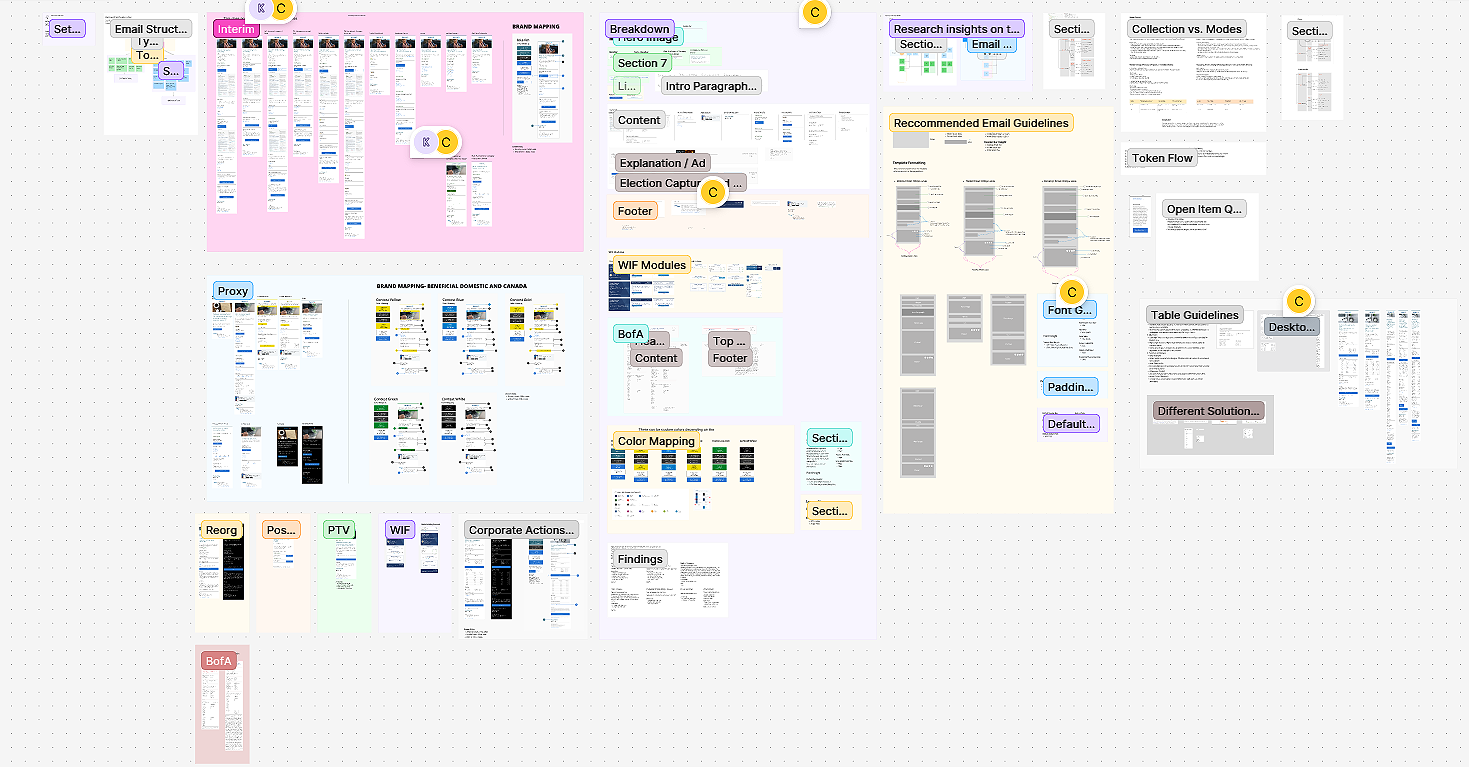
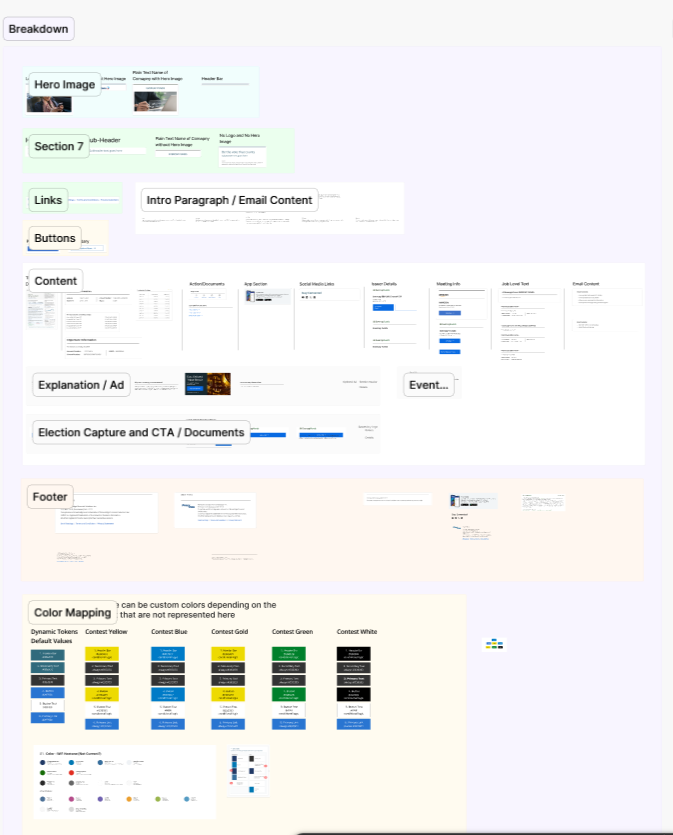
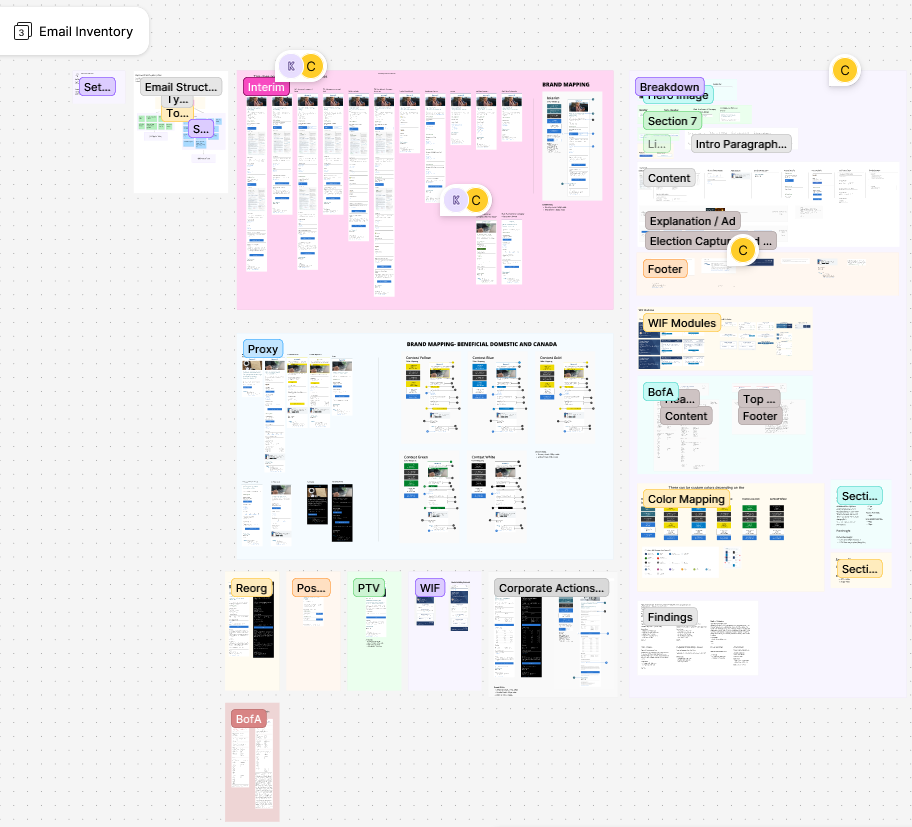
Besides just jumping into solutions the big thing to deal with was standardization multiple email templates had different template widths, fonts, and non mobile first design thought process. With two other of my co-workers we started to bring in over forty different templates across the organization. Then we started breaking down what was needed into different sections.
Purpose: Why the email exists and the desired outcome.
Audience: Recipient segment, lifecycle stage, internal or external.
Trigger or schedule: Event, user behavior, or calendar timing that starts the send.
Subject line(s): Top-performing options and tone guidance.
Preheader: Recommended variations and suggested length.
Sender name: Preferred display name and fallback.
Main content blocks: Short descriptions of the message hierarchy.
CTAs: Primary and secondary actions, destination URLs, and intent.
Personalization tokens: Fields used and their fallbacks.
Responsive behavior: Mobile-first notes and important quirks.
Key metrics: Recent open, click, and conversion rates with date ranges.
Break each template into clear components for reuse by designers, writers, and developers:
Header: logo, preheader, sender info
Hero / primary message: headline, visual, lead paragraph
Body copy: core details and progressive disclosure
Supporting sections: social proof, secondary CTAs, related links
Footer: legal copy, unsubscribe, contact info, company details
Dynamic elements: merge tags, conditional blocks, localization placeholders
The Breakdown
As we’re gathering all the templates we then had to break it down as I’ve said in the last section we put it into categories based on what was needed for the client.
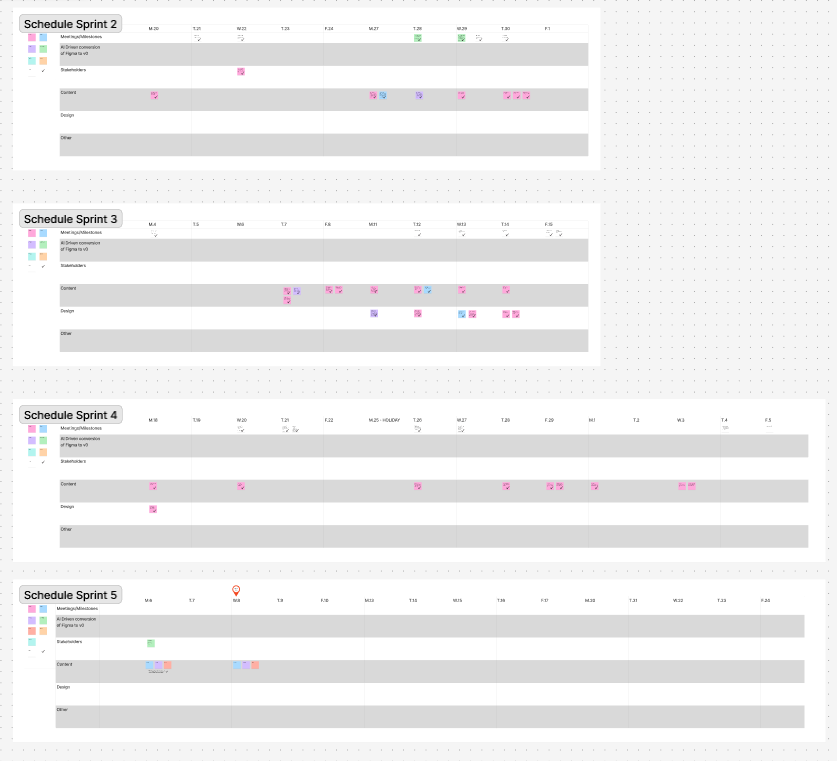
Sprint schedule to keep me and my team up to date with what’s going on.
Snapshots of this Project
New rules and AI
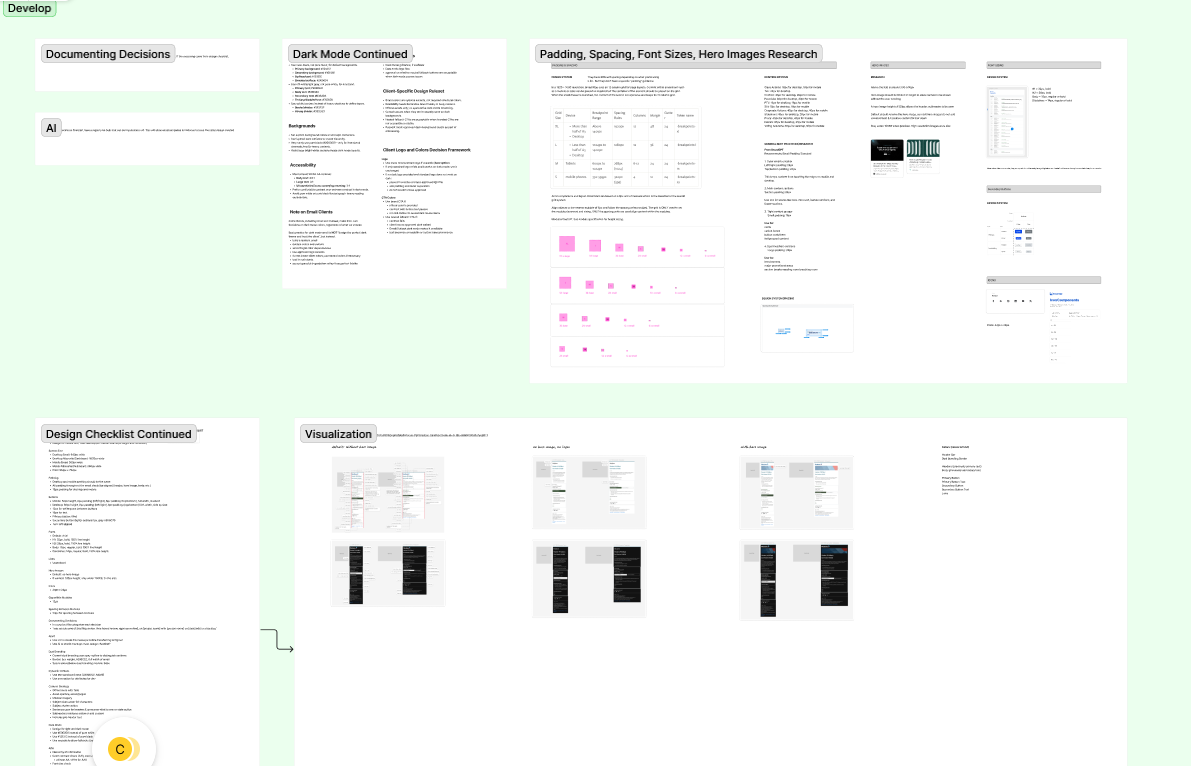
We created a Design Checklist for other designers within the company to adhere by and a list of rules that would be implemented in our AI system when creating an email template.
How we implement these changes
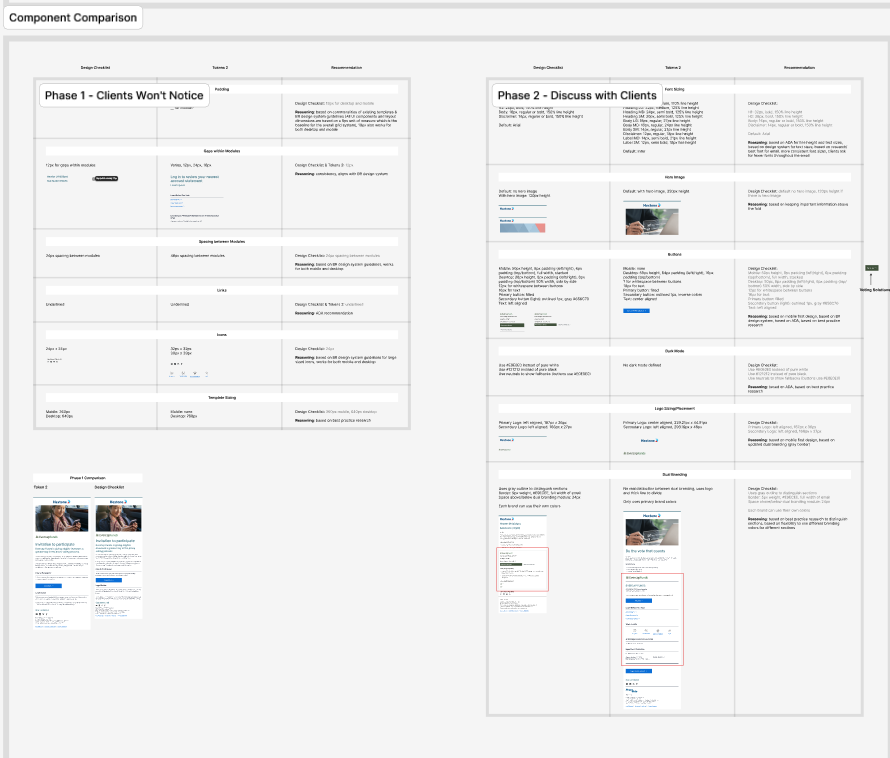
Comparing present templates with proposed changes and providing “phases” on when to implement the new changes and to let clients know about these new changes.
Always schedule and plan
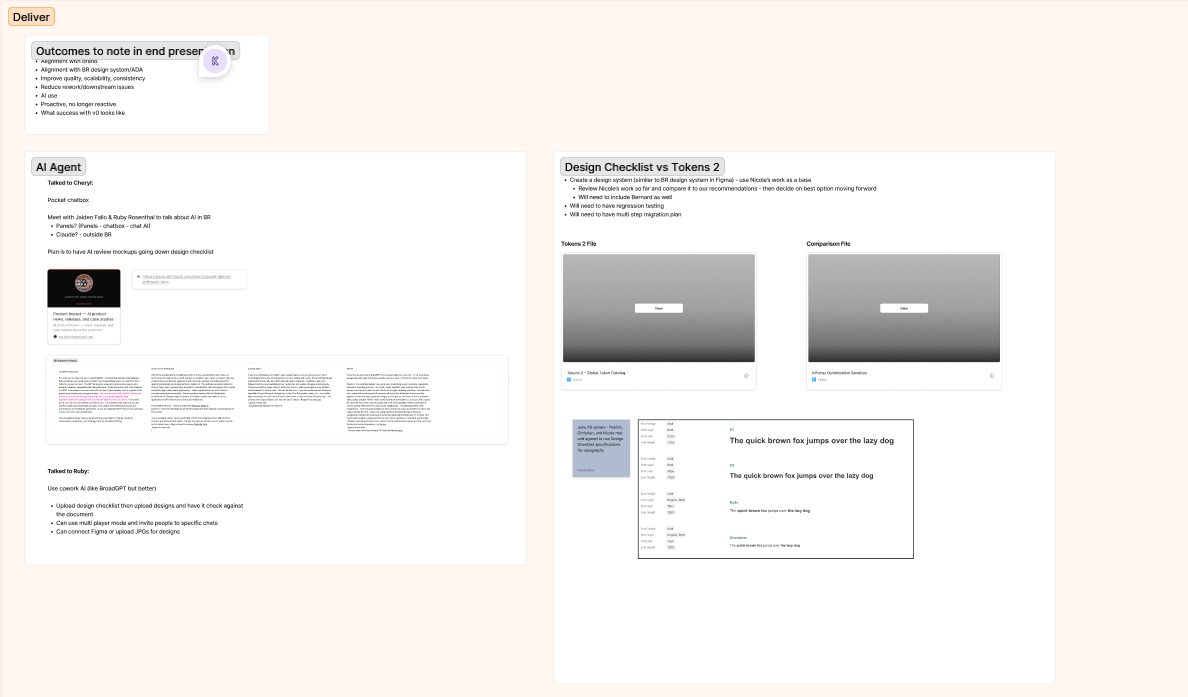
We had multiple meeting with key stake holders on pain points and what was needed for future projects. Also we wanted to implement AI as a strategic step in helping create new templates faster.